



Software upgrade
Home page >> Software upgrade
Software upgrade process of electronic universal testing machine
1. When upgrading the software system, please disconnect the connection cable between the computer and the testing machine, then turn on the computer and copy the software package to the computer desktop.
2. Unzip the compressed package and double-click to open the file with the .exe suffix. Then you will see the software upgrade promotion box.
3. Click the "Confirm" button to upgrade, and click "Cancel" to exit the upgrade.Here we click the "Confirm" button.
4. At this time, we only need to click "Next" to complete the entire upgrade. The operation is very simple.
5. After the electronic universal testing machine system is upgraded, please reopen the software to see if the newly added functions can be displayed normally.Such as (tensile data, compression data, force value analysis, etc.).
6. If the installation is successful, we first turn off the computer, connect the tensile machine to the computer, and then turn on the computer. Then we can conduct tensile tests on the material.
Recommended products
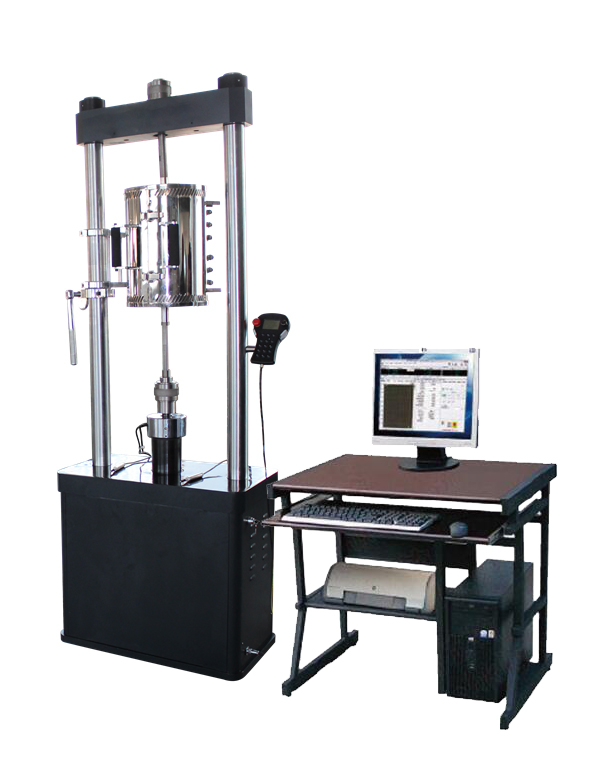
高温持久蠕变试验机
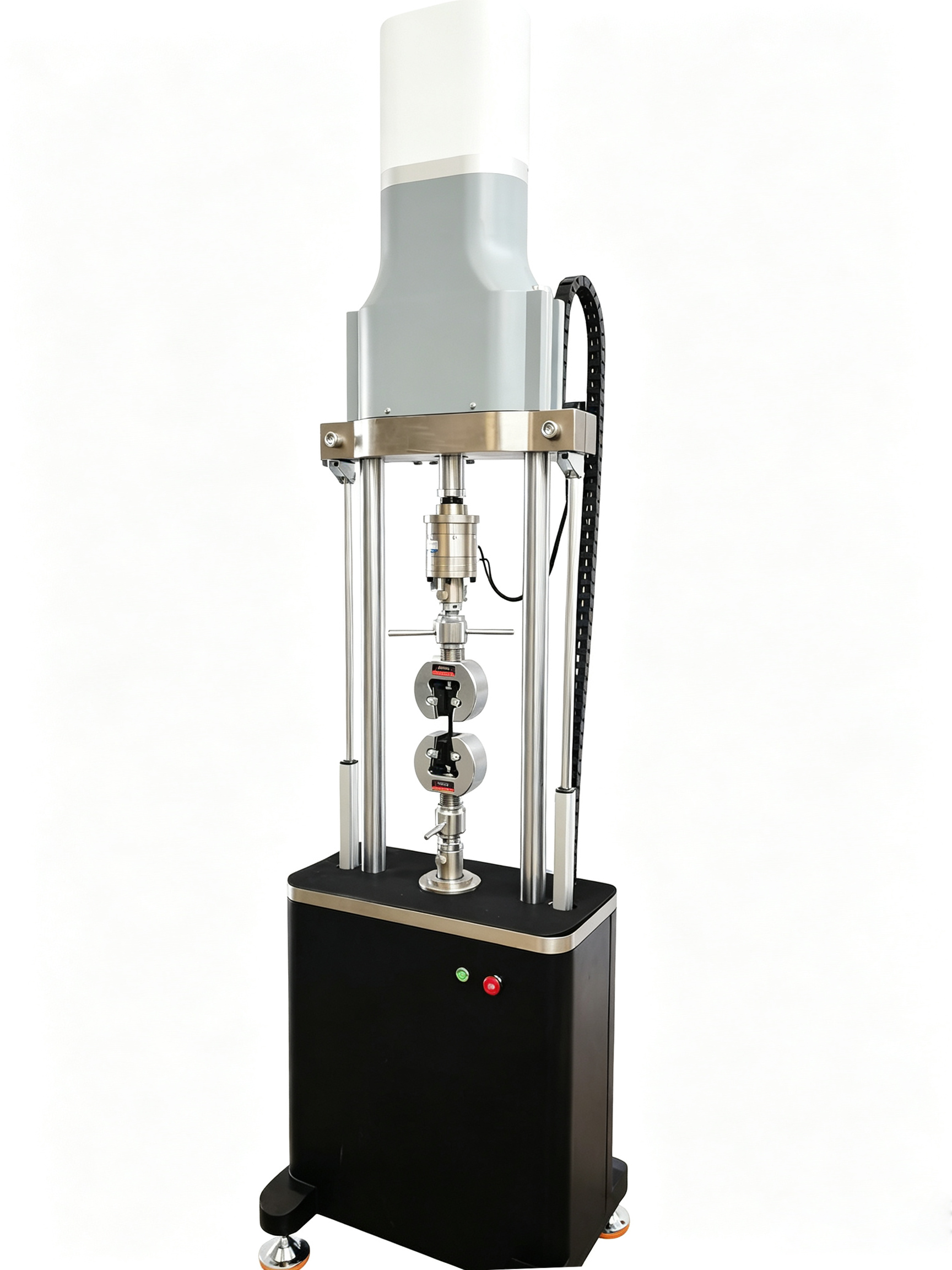
电子式拉扭试验机
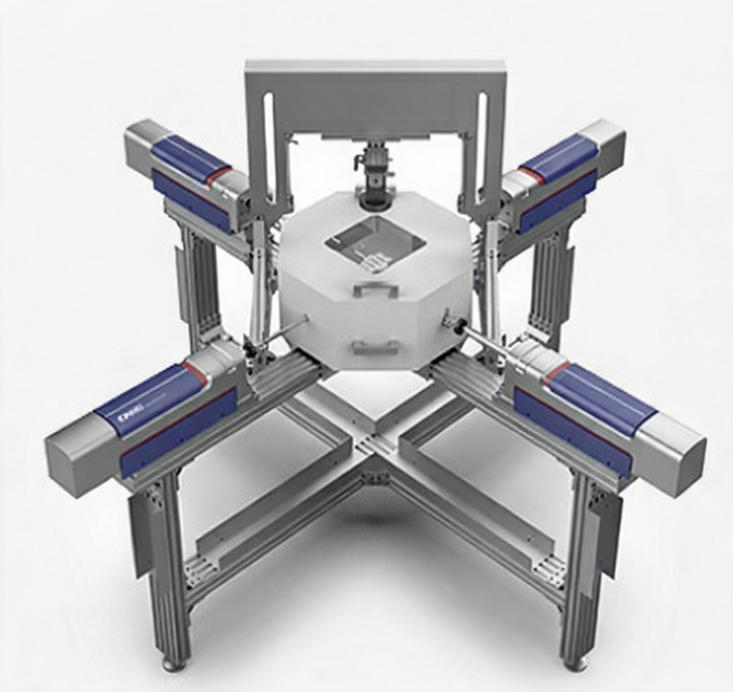
双轴拉伸试验机
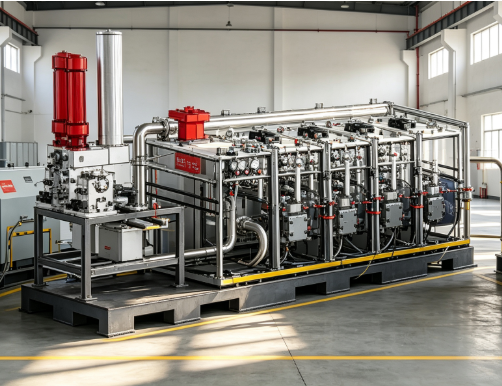
HYYL-4000型多油路动态液压加载系统
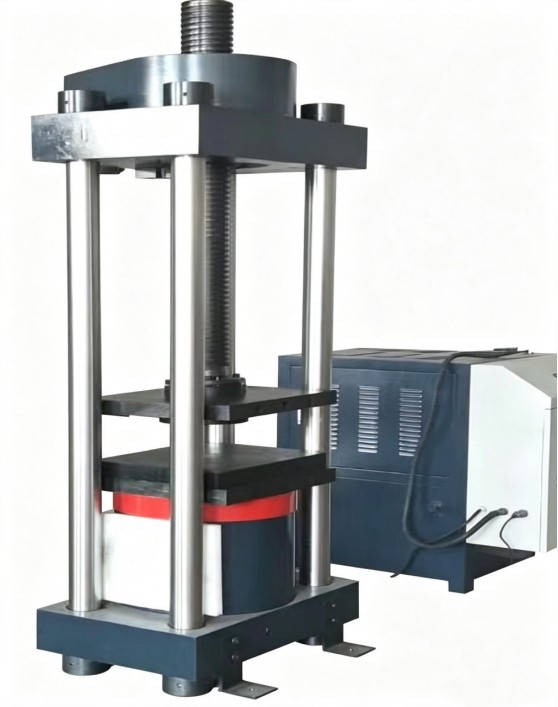
微机控制千斤顶检定装置
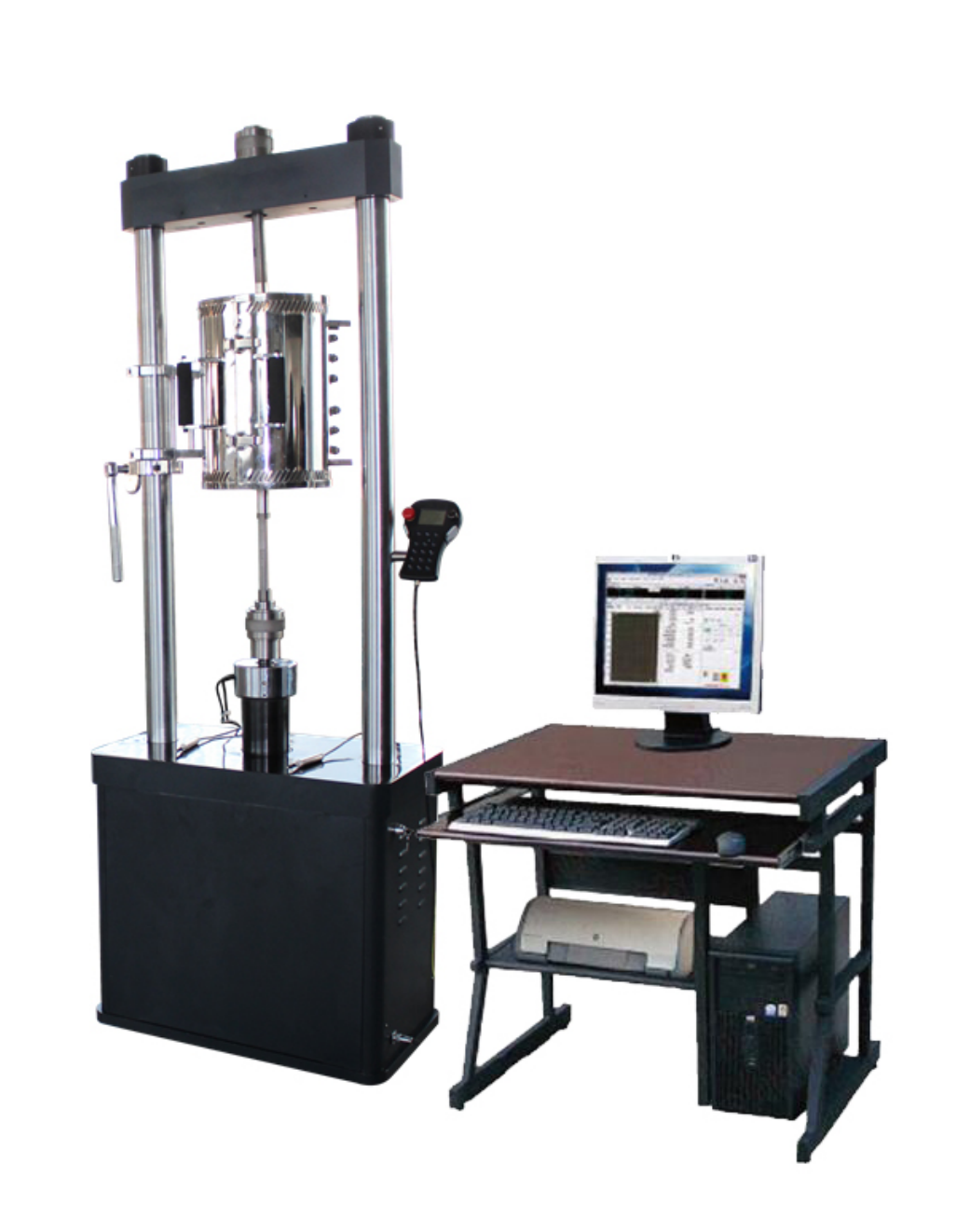
螺栓氢脆蠕变试验机
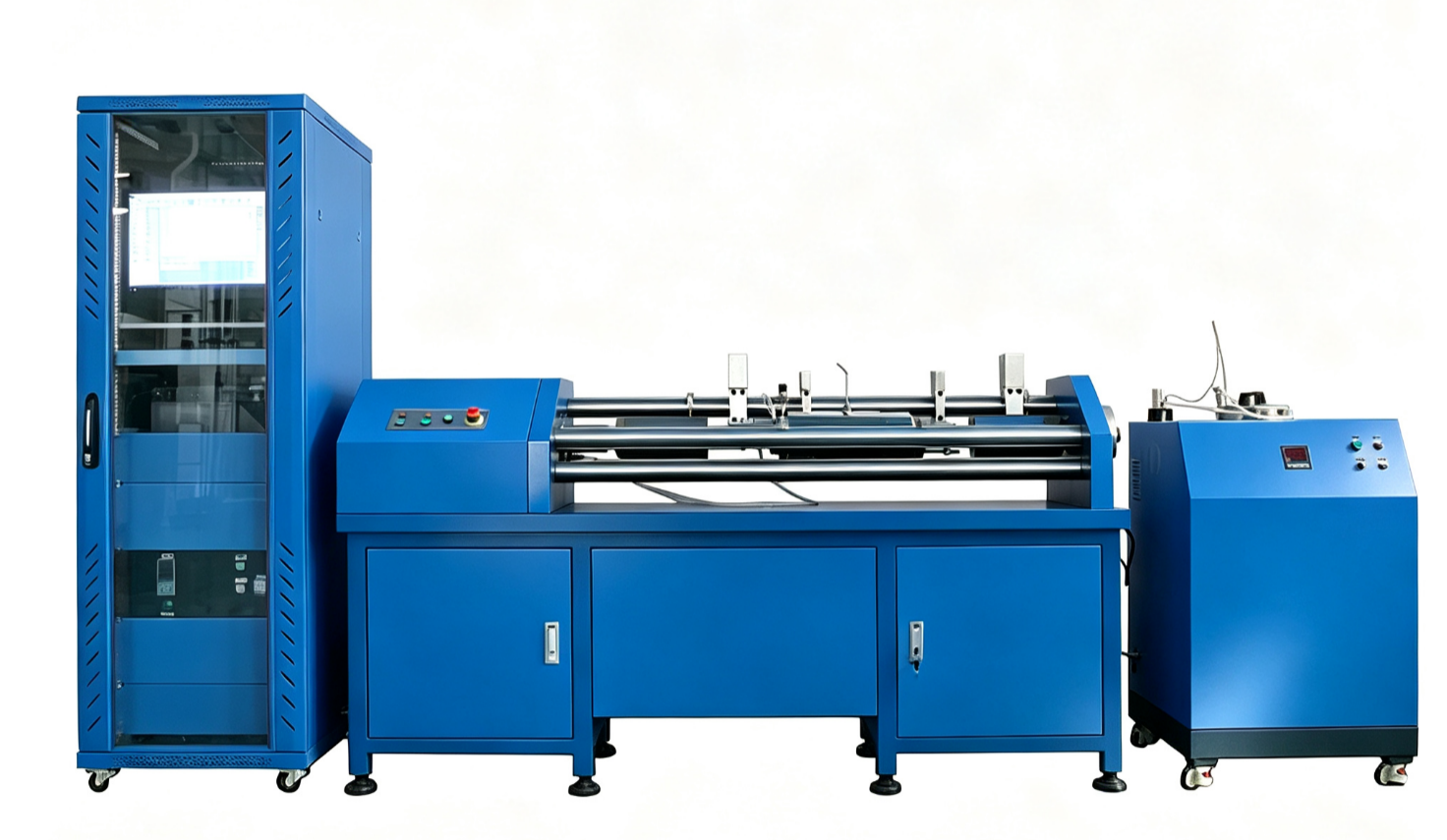
钢丝应力腐蚀试验机
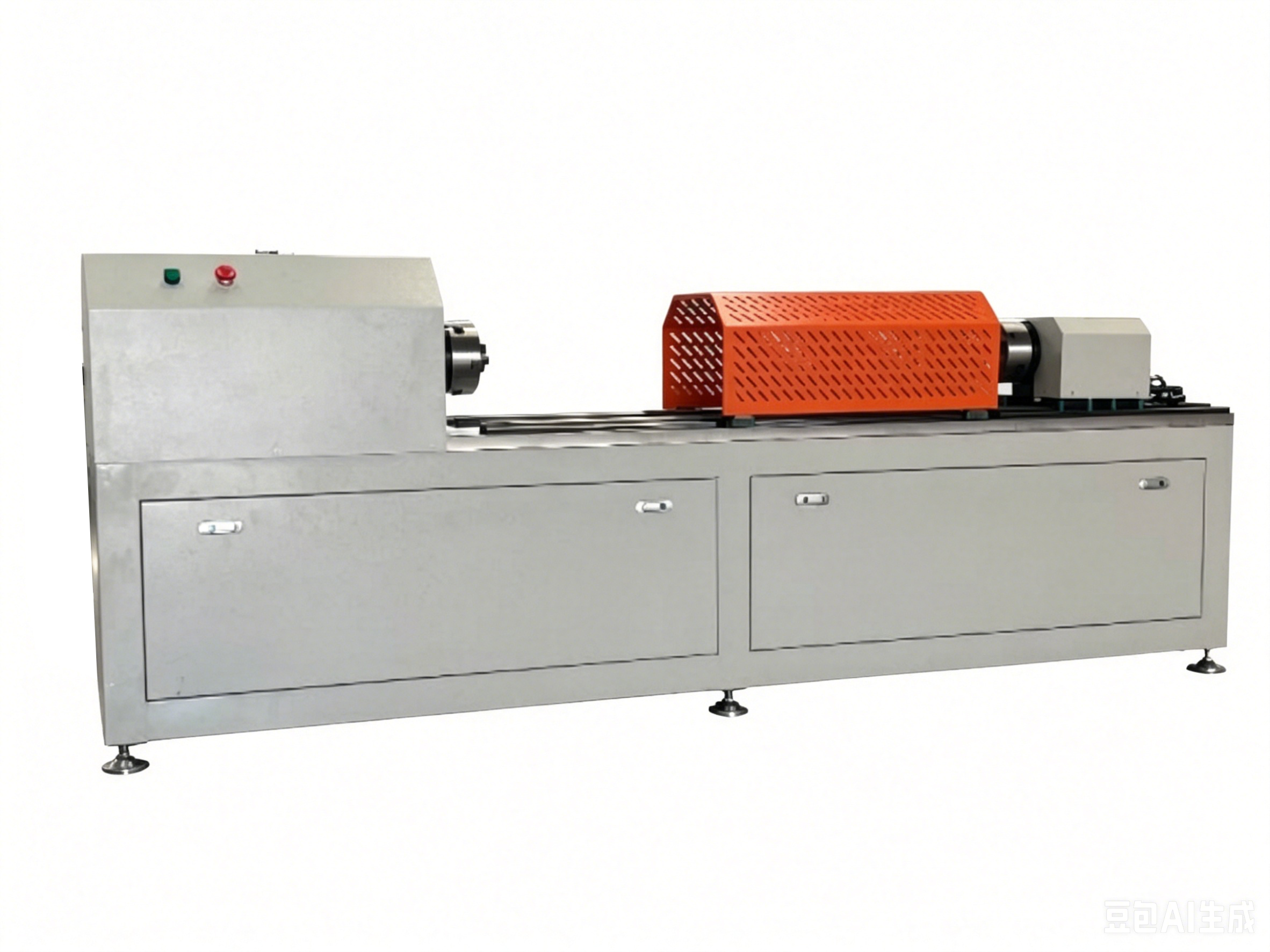
微机控制锚杆扭矩试验台
Quick inquiry